- 0
- 2,944 words
Building a gaming computer on a limited budget requires careful planning, especially when choosing the processor. The CPU affects how smoothly games run, how quickly your computer handles background tasks, and how well your system performs alongside a graphics card. Choosing the right processor can help you enjoy modern games without spending money on features you may never use. 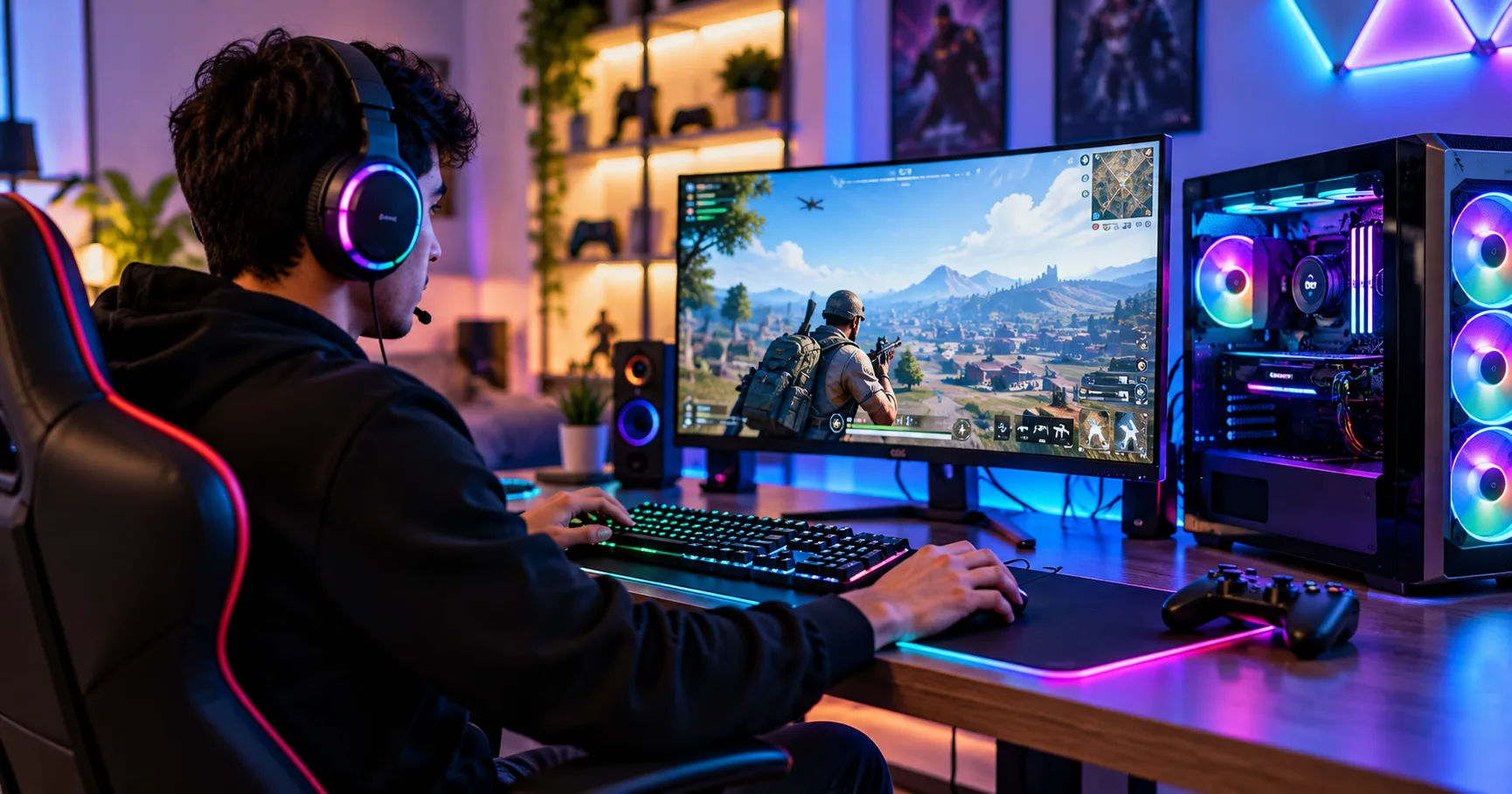 A cheap gaming pc does not have to deliver a disappointing gaming experience. With a sensible combination of processor, graphics card, memory, and storage, you can build a reliable computer that handles popular games at enjoyable frame rates. The key is to understand which CPU features matter most and which expensive upgrades you can safely skip.
Several affordable processors from AMD and Intel offer excellent value for budget-conscious gamers. Options such as the AMD Ryzen 5 5600, AMD Ryzen 5 5500, Intel Core i3-12100F, and Intel Core i5-12400F can all be worth considering, depending on local prices, motherboard compatibility, and whether you need integrated graphics. Understanding their strengths will help you choose a processor that fits your budget today and leaves room for future upgrades.
Why the CPU Matters in a Budget Gaming Build
The central processing unit, commonly called the CPU, is responsible for processing instructions and coordinating many of the tasks your computer performs. During gaming, it handles activities such as game logic, artificial intelligence, physics calculations, and communication with other system components.
A weak processor can limit gaming performance even when you have a capable graphics card. This situation is known as a CPU bottleneck. It can cause inconsistent frame rates, stuttering, or lower performance in games that depend heavily on processor speed.
However, spending too much on a processor can also be a mistake. If most of your budget goes toward the CPU, you may have to settle for a weaker graphics card, less memory, or insufficient storage.
For a cheap gaming pc, the best approach is to balance your components. Choose a processor that is powerful enough for your preferred games without taking money away from the parts that will improve your overall experience the most.
What Makes a Budget CPU Good?
A good affordable gaming processor should provide several important benefits.
Strong single-core performance: Many games depend heavily on how quickly individual CPU cores process instructions.
Enough cores and threads: Modern games and background applications benefit from having several processing cores available.
Reasonable power consumption: A processor that is easy to cool can reduce your spending on cooling equipment and power delivery.
Affordable motherboard compatibility: The total platform cost matters just as much as the processor's price.
Upgrade potential: A suitable motherboard can help you improve your system later without replacing every component.
You should also consider the age of the processor. Older CPUs can offer excellent value, but only when their performance and platform costs make sense compared with newer alternatives.
Best CPUs for a Cheap Gaming PC
Several processors stand out in the budget category. The right choice depends on your graphics card, target resolution, preferred games, and available funds.
AMD Ryzen 5 5600: Best Overall Value
The AMD Ryzen 5 5600 is a strong option for gamers who want dependable performance without paying for a high-end processor. It uses the AM4 platform and features six cores and twelve threads, making it suitable for gaming, everyday multitasking, and general productivity.
Its six-core design provides enough processing capacity for many modern games. It can also handle background applications, voice chat, web browsing, and game launchers while you play.
The Ryzen 5 5600 works particularly well with entry-level and midrange dedicated graphics cards. It is a sensible choice for 1080p gaming and can also support higher-resolution gaming when paired with a suitable GPU.
Another advantage is its mature AM4 platform. Compatible motherboards and DDR4 memory can sometimes be purchased at attractive prices, helping keep the total build cost manageable.
There is one important limitation: the Ryzen 5 5600 does not include integrated graphics. You will need a dedicated graphics card to display an image.
Best for: Gamers building a balanced system with a dedicated GPU who want six cores, twelve threads, and good overall value.
AMD Ryzen 5 5500: A Lower-Cost Alternative
The Ryzen 5 5500 is another affordable six-core, twelve-thread processor. It is designed for the AM4 platform and can be an attractive choice when its price is significantly lower than that of the Ryzen 5 5600.
For everyday gaming, the Ryzen 5 5500 can provide satisfactory performance when paired with an appropriate graphics card. It is worth considering for games such as Minecraft, Fortnite, Rocket League, and many older or less demanding titles.
However, it has less cache and a more limited PCIe interface than the Ryzen 5 5600. These differences can affect performance in some games and may matter when using certain graphics cards or storage devices.
The practical lesson is to compare actual prices rather than automatically buying the cheapest processor. If the Ryzen 5 5600 costs only slightly more, its additional performance and connectivity may justify the upgrade.
Best for: Budget builders who find it substantially cheaper than the Ryzen 5 5600 and want six cores for general gaming.
Intel Core i3-12100F: Best Affordable Intel Option
The Intel Core i3-12100F is a capable entry-level processor with four performance cores and eight threads. Although it has fewer cores than the Ryzen 5 5600, its strong per-core performance makes it competitive in many games.
It is particularly attractive for systems designed around 1080p gaming with an entry-level or moderately powerful graphics card. Games that rely more on a few fast cores than on numerous cores can run well on this processor.
The i3-12100F also supports compatible Intel 600-series and 700-series motherboards, depending on the specific board and BIOS support. DDR4 versions of these motherboards can help reduce the overall cost.
The letter F is important. It indicates that the processor lacks integrated graphics, so you need a separate GPU. Without one, you cannot use the processor's display output to run the computer.
Its four-core design may also offer less room for demanding multitasking or future games that benefit from more cores.
Best for: First-time builders who want affordable Intel gaming performance and plan to use a dedicated graphics card.
Intel Core i5-12400F: A Strong All-Rounder
The Intel Core i5-12400F is a six-core, twelve-thread processor that offers a useful step up from entry-level options. It is a good choice for players who want strong gaming performance alongside the ability to multitask comfortably.
It can handle a broad range of games, from competitive multiplayer titles to more demanding open-world experiences. Its additional cores also make it useful for recording gameplay, running communication software, and performing everyday work.
Like the i3-12100F, the 12400F requires a dedicated graphics card because it does not have integrated graphics.
The main consideration is its total platform cost. A cheaper motherboard and DDR4 memory may make it an excellent value, but an expensive motherboard can undermine the savings of choosing a budget processor.
Best for: Gamers who can spend slightly more and want a versatile six-core CPU for gaming and everyday multitasking.
AMD Ryzen 5 5600G: Best for Gaming Without a Graphics Card
The Ryzen 5 5600G deserves special attention because it includes integrated Radeon graphics. This allows you to build and use a computer without immediately purchasing a dedicated graphics card.
It has six cores and twelve threads, so its CPU performance is suitable for many everyday tasks and a range of games. Its integrated graphics can run lighter titles, particularly when you use appropriate settings and resolutions.
Games such as older esports titles, less demanding indie games, and some popular competitive games may be playable with reduced graphical settings. Performance varies considerably by game, memory configuration, and resolution.
The main drawback is that integrated graphics share system memory rather than using dedicated video memory. Demanding modern games may require substantial reductions in visual quality, and some titles may not run comfortably.
The Ryzen 5 5600G also differs from the Ryzen 5 5600 in cache and PCIe support. If you plan to install a dedicated GPU immediately, compare their prices carefully before deciding.
Best for: Builders who need a working gaming computer now and intend to purchase a dedicated graphics card later.
Comparing Affordable Gaming Processors
The following table summarizes the main specifications and practical differences between these options.
|
Processor |
Cores / Threads |
Integrated graphics |
Best use |
|---|---|---|---|
|
AMD Ryzen 5 5600 |
6 / 12 |
No |
Balanced budget gaming |
|
AMD Ryzen 5 5500 |
6 / 12 |
No |
Lower-cost dedicated-GPU builds |
|
Intel Core i3-12100F |
4 / 8 |
No |
Entry-level gaming |
|
Intel Core i5-12400F |
6 / 12 |
No |
Gaming and multitasking |
|
AMD Ryzen 5 5600G |
6 / 12 |
Yes |
Gaming without a dedicated GPU |
These processors belong to established product generations, so their value depends heavily on current local prices and stock. A newer processor may be a better purchase if it offers comparable performance with a cheaper motherboard and memory combination.
How Much Should You Spend on a Gaming CPU?
There is no single price that suits every gamer. Your spending should depend on the total system budget and the graphics card you intend to use.
For an entry-level computer, a Core i3-12100F or Ryzen 5 5500 may provide enough performance to get started. If the price difference is small, moving to a Ryzen 5 5600 or Core i5-12400F can provide more processing headroom.
For a system without a dedicated GPU, the Ryzen 5 5600G may make more financial sense than buying a processor without integrated graphics and then purchasing a separate graphics card.
Consider the following general budgeting principles:
Entry-level build: Prioritize a capable processor at a low price, 16 GB of memory, an SSD, and a suitable graphics solution.
Midrange budget build: Aim for six cores and twelve threads if the extra cost does not compromise your graphics card.
Upgrade-focused build: Compare motherboard prices, memory compatibility, and the cost of future CPU upgrades before selecting a platform.
A cheap gaming pc should be affordable to build and practical to maintain. Saving a small amount on a CPU is not worthwhile if it creates a serious performance limitation or forces you to replace other components sooner.
Should You Choose AMD or Intel?
AMD and Intel both offer suitable processors for affordable gaming. Neither brand is automatically the best choice in every budget range.
When AMD Makes More Sense
AMD's Ryzen 5000 processors can offer strong value when AM4 motherboards and DDR4 memory are inexpensive. The Ryzen 5 5600 is especially appealing when you can purchase it at a competitive price.
AMD's Ryzen 5 5600G is also a useful option for builders who need integrated graphics. It removes the immediate cost of a separate GPU, which can make a significant difference when money is limited.
However, AM4 is an older platform. If you want a more modern upgrade path, compare newer AMD processors and their motherboard and memory costs instead of assuming that the cheapest older platform is always best.
When Intel Makes More Sense
Intel's Core i3-12100F provides good entry-level gaming performance, while the Core i5-12400F offers additional cores for multitasking.
Intel systems can be particularly attractive when discounted processors and affordable DDR4 motherboards are available together.
The best choice is the combination that delivers the performance you need at the lowest total cost. Comparing CPU prices alone can be misleading because motherboard, memory, and cooling expenses also affect the budget.
Important Features to Check Before Buying
Before purchasing a processor, check more than its name and core count. A few practical details can prevent costly mistakes.
Motherboard Compatibility
Every CPU requires a compatible socket and motherboard chipset. For example, Ryzen 5 5600-series processors use the AM4 socket, while the Intel Core i3-12100F and i5-12400F use LGA1700.
Even when the socket matches, you should verify the motherboard's supported CPU list and BIOS requirements. Some boards may need a BIOS update before they can run a particular processor.
RAM Capacity and Configuration
For most modern gaming builds, 16 GB of RAM is a sensible starting point. Using two compatible memory modules, such as a 2 × 8 GB kit, can enable dual-channel operation and improve performance compared with a single module.
If your budget allows, 32 GB can be useful for demanding games, heavy multitasking, and applications that consume substantial memory.
For a system using integrated graphics, memory configuration is especially important because the GPU shares system RAM. Two compatible modules can improve graphics performance compared with a single module.
Cooling and Power Consumption
Check whether the CPU includes a stock cooler. Many budget processors include one, which can reduce your initial spending.
For standard gaming use, a suitable stock cooler may be sufficient. You generally do not need an expensive liquid-cooling system for these processors.
Also choose a reliable power supply appropriate for your complete system, particularly your graphics card. A low-quality power supply can put expensive components at risk, so it is not a good place to make extreme savings.
Upgrade Potential
Think about what you may want to improve later. You might eventually install a more powerful GPU, add memory, or replace the processor.
An upgrade-friendly system does not necessarily need the newest platform. It needs a sensible combination of compatibility, cost, and available future parts.
How to Get Better Gaming Performance on a Limited Budget
Choosing the right processor is only one part of building a capable gaming computer. Your component choices and system settings also influence performance.
Pair the CPU With a Suitable Graphics Card
The graphics card is often the most important component for gaming performance, particularly in graphically demanding games.
A strong CPU paired with a very weak GPU may deliver disappointing results. Similarly, an extremely powerful graphics card can be held back by a weak processor in CPU-intensive games.
Choose components that complement one another. For a budget 1080p build, the Ryzen 5 5600 and Core i5-12400F are versatile options, while the Core i3-12100F can make sense for a lower-cost graphics card.
Install Games on an SSD
An SSD can reduce loading times and make the operating system feel more responsive. It does not automatically increase average frame rates, but it can improve the overall experience.
A 500 GB SSD is a reasonable starting point if you only install a few games at a time. A 1 TB drive offers more room for modern games, which can require substantial storage.
Adjust Graphics Settings
If a game runs slowly, reduce settings such as shadows, reflections, and demanding effects. Lowering the resolution can also improve performance when the graphics card is the limiting component.
For competitive gaming, you may prefer lower visual settings in exchange for smoother frame rates and reduced input latency.
Keep Drivers and Cooling Under Control
Install the appropriate graphics drivers, keep your operating system updated, and ensure the computer has adequate airflow.
Dust buildup and poor ventilation can increase temperatures and reduce performance. Keeping the system clean and using a suitable cooler helps maintain consistent operation.
Common Mistakes to Avoid When Choosing a Budget CPU
One frequent mistake is buying a processor solely because it has the highest number of cores. Core count matters, but architecture, clock speeds, cache, and the demands of individual games also influence performance.
Another mistake is buying an F-series Intel processor or a Ryzen 5 5600 without realizing that a dedicated graphics card is required. If you do not have a GPU, choose a processor with integrated graphics or include a suitable graphics card in your budget.
Avoid spending too much on premium motherboard features that you will never use. A reliable, compatible motherboard is generally more valuable than an expensive model with unnecessary extras.
Finally, do not assume that an older processor is automatically the cheapest option. Compare the complete cost of the CPU, motherboard, RAM, and cooler. A newer platform on sale may offer better overall value.
Which CPU Should You Choose for Different Gaming Needs?
Your ideal choice becomes clearer when you consider how you plan to use the computer.
For the lowest-cost dedicated-GPU build: Consider the Intel Core i3-12100F or AMD Ryzen 5 5500, depending on local prices.
For the best balance of gaming and multitasking: Consider the AMD Ryzen 5 5600 or Intel Core i5-12400F.
For gaming without a dedicated graphics card: Consider the AMD Ryzen 5 5600G.
For a build with future upgrades in mind: Compare current-generation platforms alongside older options before committing to a motherboard.
For many buyers, the Ryzen 5 5600 is a sensible starting point because its six cores and twelve threads provide a useful balance of gaming performance and multitasking capability. However, it is not automatically the best purchase at every price. A discounted Intel processor or an integrated-graphics solution may be more suitable for your circumstances.
Conclusion
Choosing the right CPU for a cheap gaming pc comes down to balancing performance, affordability, and the rest of your components. You do not need an expensive high-end processor to enjoy popular games. A well-selected budget CPU can provide responsive gameplay, dependable everyday performance, and enough processing power for a wide range of activities.
The AMD Ryzen 5 5600 is an excellent option to investigate if you want six cores and twelve threads for a system with a dedicated graphics card. The Ryzen 5 5500 can save money when its price is sufficiently lower, while the Intel Core i3-12100F is worth considering for entry-level gaming. If you want stronger multitasking performance, the Intel Core i5-12400F offers a capable alternative. For anyone who cannot afford a separate graphics card immediately, the Ryzen 5 5600G provides a practical starting point.
Before buying, compare local prices, verify motherboard compatibility, and consider the cost of RAM, storage, cooling, and the graphics card. Prioritize a balanced system rather than spending too much on one component. With careful planning, a cheap gaming pc can provide an enjoyable gaming experience today while giving you opportunities to upgrade as your needs and budget grow.
Author
